
Digital binder → printed placeholder cards
Build your Pokémon TCG binder, then organize as you want
Pokébinder is a free tool for Pokémon TCG collectors: search any card in English or Japanese, arrange them into 3×3 pages, and let your own art run across the pockets. Try out layouts and move things around before you buy — then print true-size placeholders for only the cards you do not own yet, so you always know what to buy and exactly where it goes.
Free · No account · No watermark · Your binder stays in your browser
 Your art · 2 pockets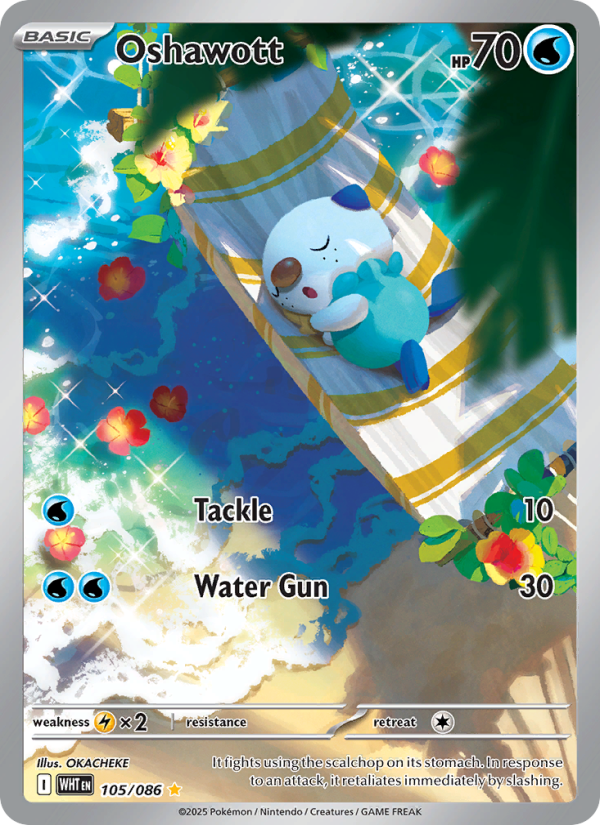

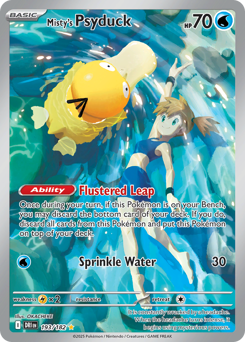
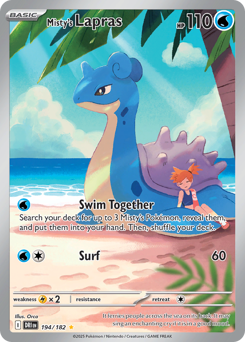
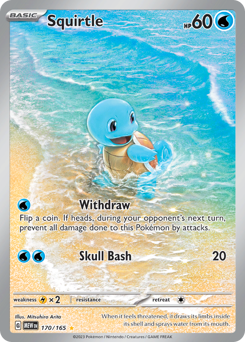
How it works
- Step 01
Find any card
Search over 20,000 English cards by name, set or artist, and over 21,000 Japanese cards by name or set — including the printings collectors actually chase.
- Step 02
Design the page
Drag or tap cards into 3×3 pockets, and let your own artwork run across two or three slots or fill the whole page behind them, Michi-method style — see how the page looks before spending money on it.
- Step 03
Print what is missing
Mark the cards you do not own. They print at true card size with cut guides, ready to cut and add to your physical binder.
More on printing → - Step 04
Flip through it
Turn the pages like a real binder — on your phone as well as your desktop.
One page, five ways
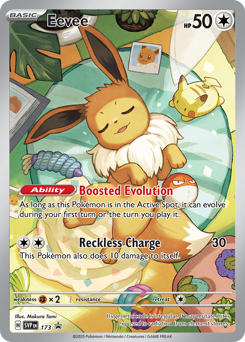
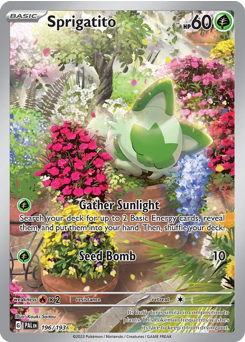
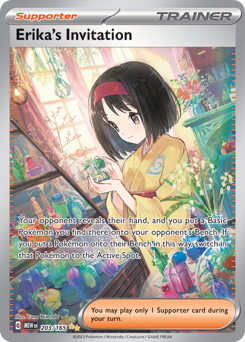
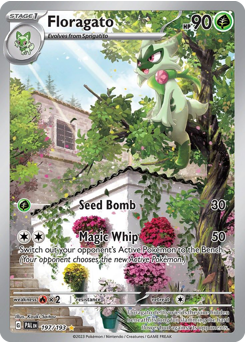
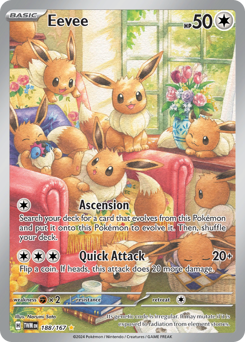
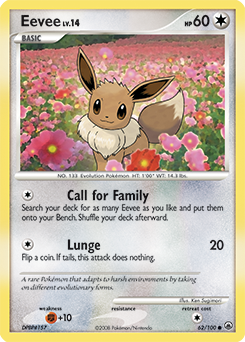
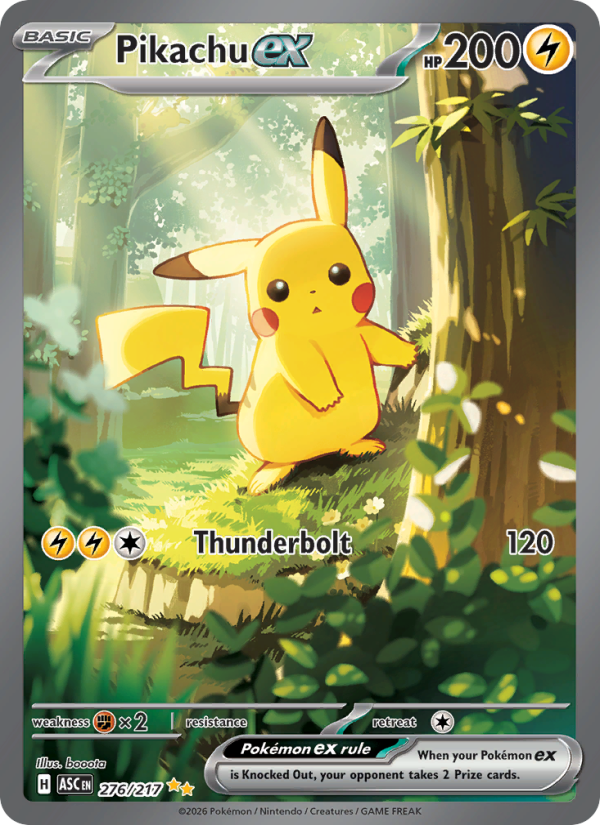
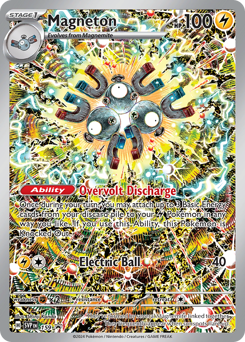
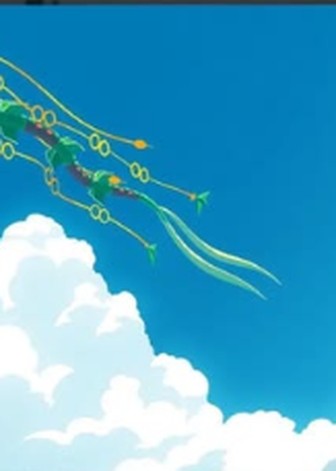
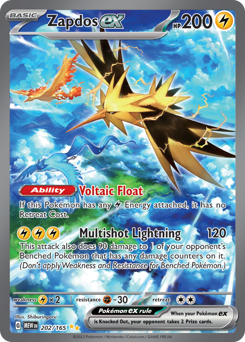
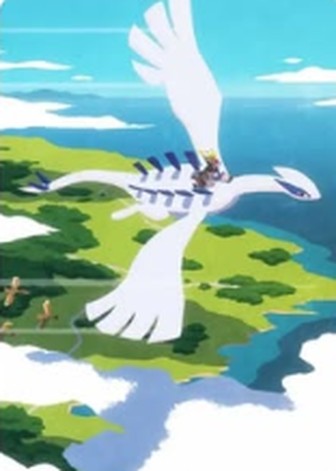
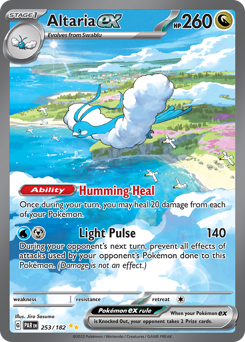
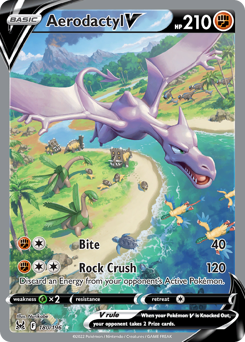
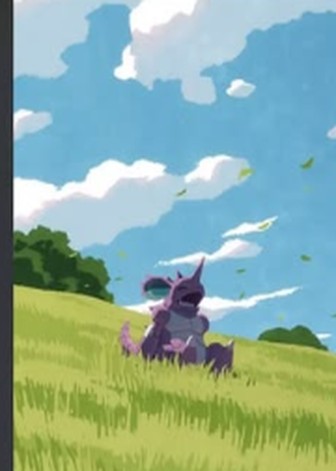
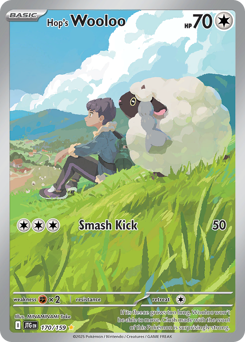
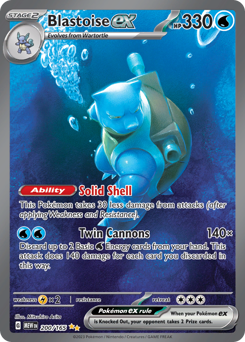
An image can hold one pocket, two, a whole row, or sit behind the whole page with cards on top. Same nine pockets every time — what changes is how much of the page the art carries.
The Michi page
One image fills all nine pockets, and your cards sit on top of it in whichever pockets you choose. The art carries on around them, so the page reads as one picture. Take a card out and its slice shows through; zoom and nudge the image until the framing is right. It prints one slice per pocket, on the same cut guides as the cards.

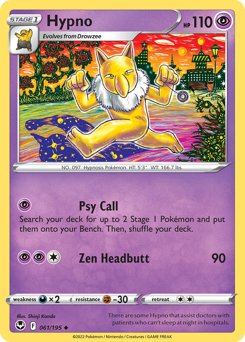
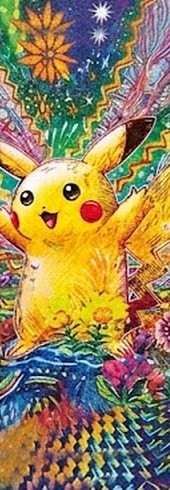
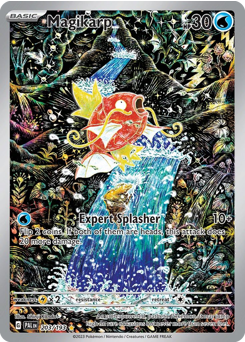
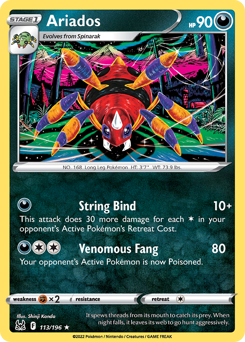
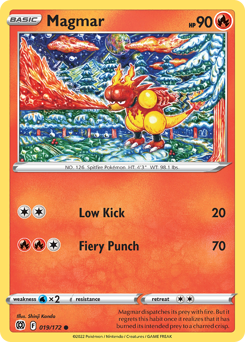
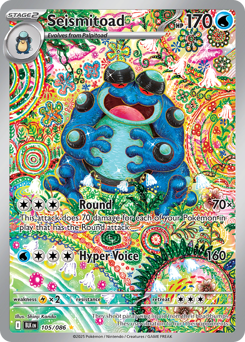
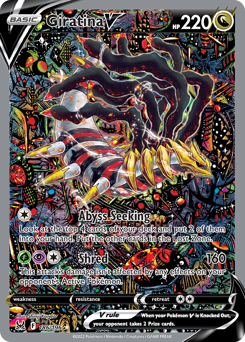

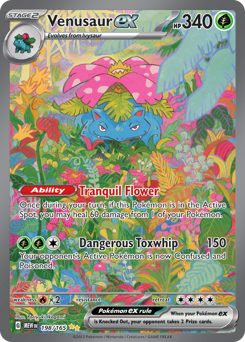
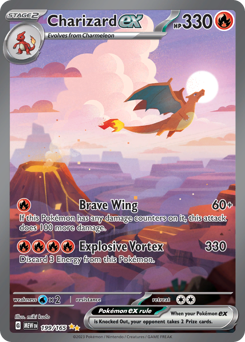
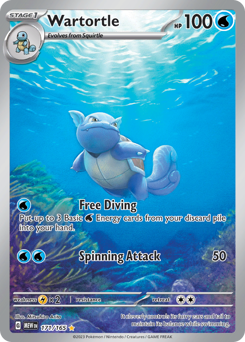
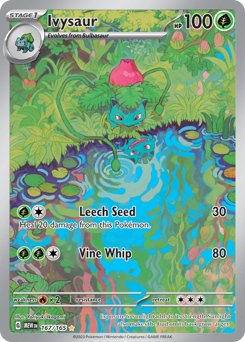
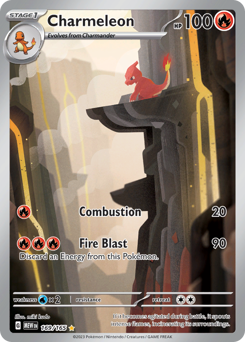
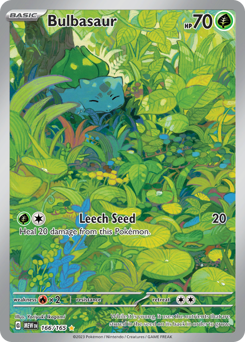
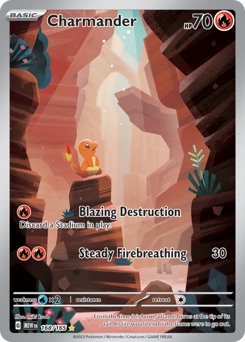
Then turn the pages
Your binder opens as a two-page spread with a real page curl on a desktop, and turns one page per swipe on a phone. Same pages, same art — it just behaves like the thing on your shelf.
Stay organized
The card holds its own pocket until you find it
The placeholder is the card. Mark anything in your binder as not owned yet and it prints at exactly 6.3 × 8.8 cm with a cut guide around it — cut it out and add it to the page, and that pocket is settled instead of sitting empty until the real one turns up.
When it does turn up, slide the printed one out and the real one in — nothing else on the page moves, so you are never reorganizing the binder just because you bought something new. Until then the gaps double as a shopping list: you always know what you are missing and exactly where it goes. It also means you see how a spread will look before spending money on it, and can change your mind on paper instead of at the counter.
- Card size
- 6.3 × 8.8 cm
- Resolution
- 300 dpi
- Per sheet
- 9 cards · A4 or Letter
- Guides
- Dashed cut line on every card
- Also prints
- Your spanned artwork, aligned
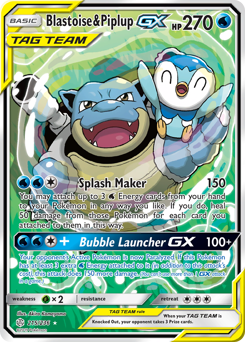
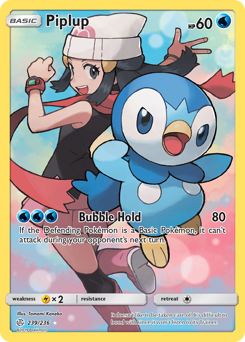



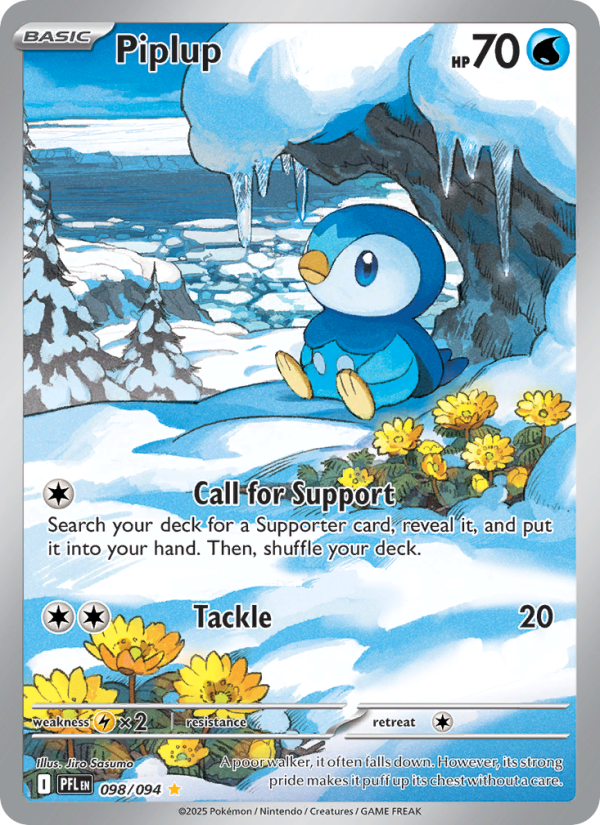
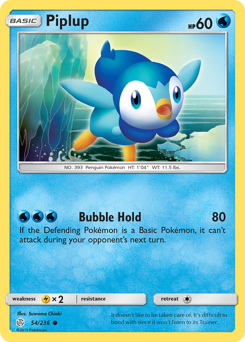
Print preview · Page 3 · 9 cards✂ Cut on the dashes
Watch it go from screen to sleeve
Sixty-five seconds: search, arrange, print, cut, sleeve, done.
What is the Michi method?
The Michi method is a way of building binder pages where one piece of artwork carries across several pockets, so a spread reads as a single image instead of nine separate cards. Collectors print backing art, cut it to size, and sit the cards on top of it.
Pokébinder does the same thing without the guesswork: drop an image into a pocket and let it run across up to three of them horizontally or vertically, or fill the whole page behind your cards, then zoom and reposition until the framing is right. It prints with the page, on the same cut guides as the cards. Popularised by @peeplop and written up at The Michi Method. See five layouts above.
Questions
Short answers to what people actually ask.
- Is it really free?
- Yes. No account, no ads. Your binder is stored in your own browser, not on a server.
- What is the Michi method?
- A way of building binder pages where the artwork flows across several pockets, so the page reads as one image. Pokébinder lets you run your own art across two or three pockets, or fill the whole page with it and put cards on top.
- Can I print placeholder cards?
- Yes — that is the point. Print the cards you do not own at true size, cut them out, and add them to the binder until you find the real one.
- Does it support Japanese cards?
- Yes — over 21,000 Japanese cards across 300+ sets, next to over 20,000 English ones, and you can mix both in the same binder. Artist search is English-only for now.
- How many pockets can one image cover?
- One, two or three in a row or column — or the whole page, with your cards sitting on top of the artwork. Zoom and reposition it to frame the shot, and it prints exactly as you set it.
- Do I need an account?
- No. Your binder is saved in your own browser on your own device. Nothing is uploaded, so there is nothing to sign up for and nothing to delete.
- What size are the printed cards?
- 6.3 × 8.8 cm — the same as a real card, so it drops straight into a standard 9-pocket page without trimming twice.
- Does it work on a phone?
- Yes. Search, build and flip all work on a phone: tap a card’s move handle, then the pocket it should go to, even on another page. The binder view turns one 3×3 page per swipe, with a two-page spread when you turn the phone sideways.
Nothing to install
Start with one page.
Search a card, drop it in a pocket, and see what the page wants to be.
Start buildingThis site is an independent fan project made by one collector. It is not produced, endorsed or supported by Nintendo, Creatures Inc., GAME FREAK, The Pokémon Company or Wizards of the Coast. Pokémon and all related names are trademarks of their respective owners; card images are served from their original sources and remain the property of their rights holders.